Signal Viewer
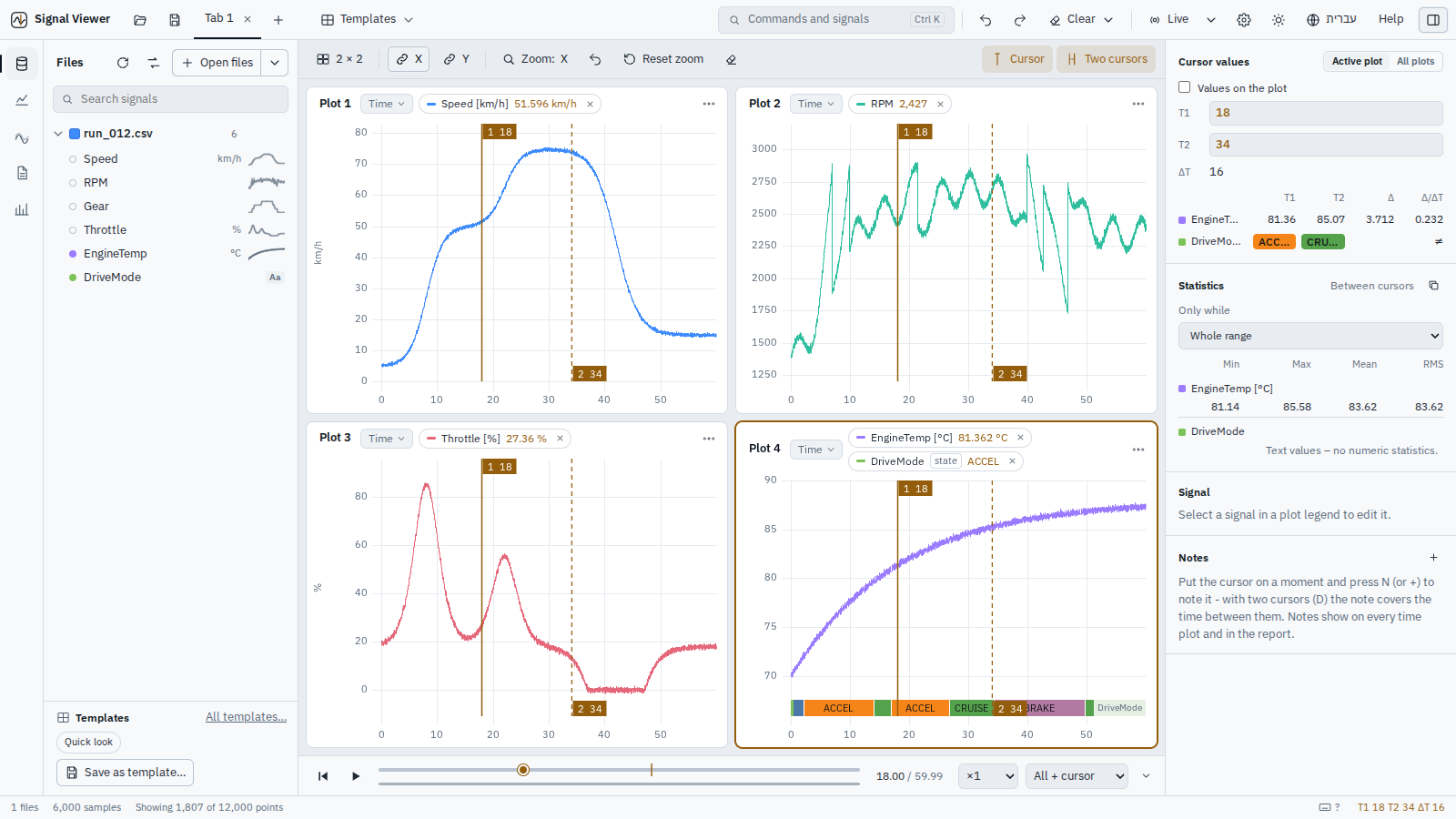
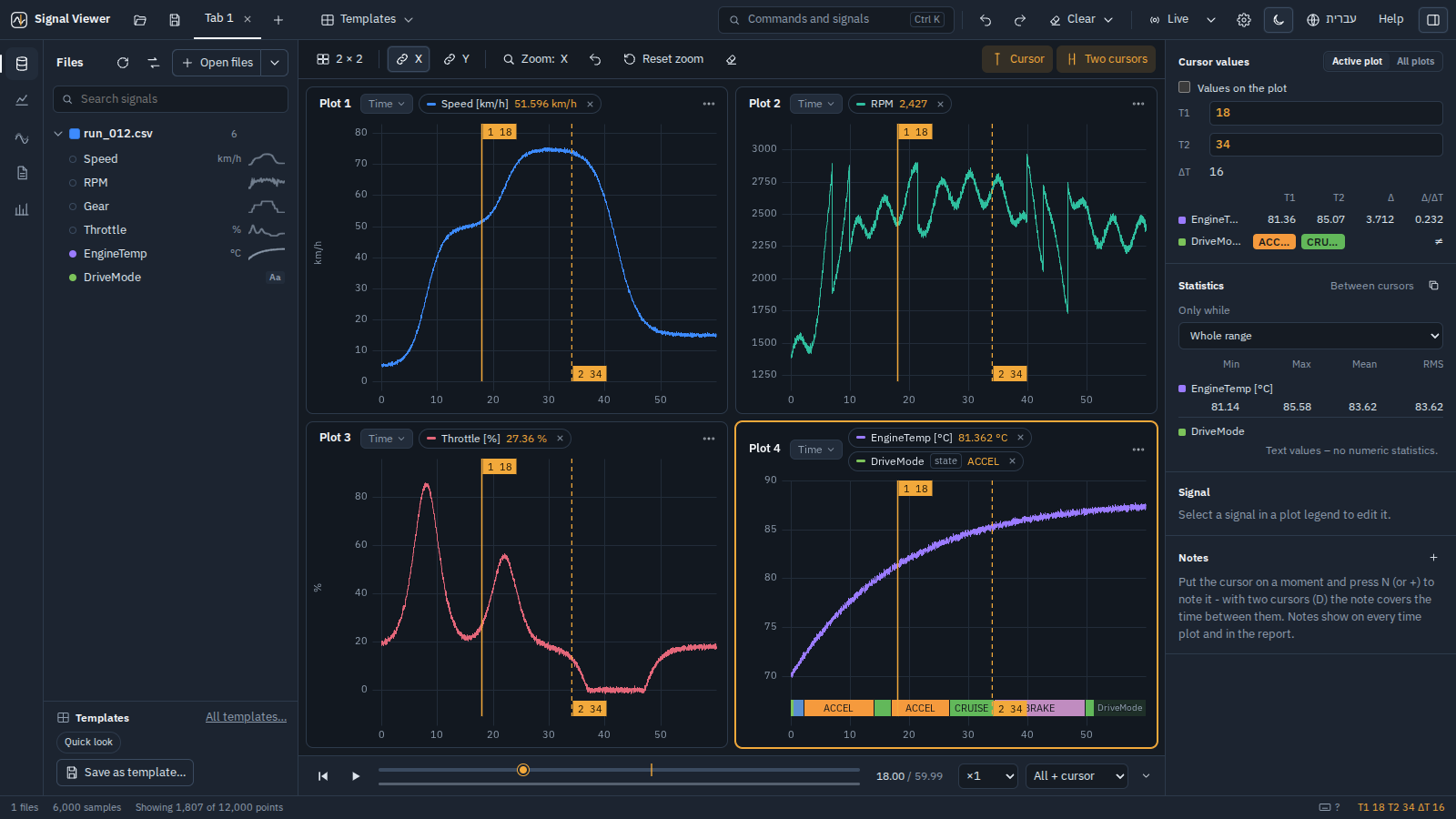
Open a flight log, a test run or a simulation, see what went wrong, compare runs and write the report – offline, on your own machine, with every computation validated.
Download for Windows Get started מדריך בעברית
CSV · MATLAB .mat · ArduPilot .bin · MAVLink .tlog · PX4 .ulg · ROS 2 .mcap · HDF5 · Parquet · CAN + .dbc · your own formats
What you do with it
-
Review a flight
ArduPilot, PX4 and MAVLink logs open directly: flight modes, events, parameters and an automatic health check (vibration, clipping, GPS, battery, EKF, motors) that points at the moment.
-
Compare runs
Every signal two or more runs share, ranked by how different it is; automatic time alignment; the same segment of each run (the 2nd AUTO of every flight); headings compared around the circle.
-
Simulation against flight
A
.mator.csvfrom Simulink or Python next to the flight log: A − B, how far apart they are in each flight mode, spectra, filters and coordinate frames (NED, ENU, body, ECEF, LLA). -
Pass / fail in CI
signalviewer-cli check(limits, per flight mode) andcompare(against a golden run) with exit codes and JUnit XML - the same numbers as in the app.
Numbers you can trust
Every computation is checked against a reference that does not come from the app – a closed-form result, a definition (WGS84) or an independent textbook computation – and the readers are checked against logs from real vehicles, field by field, with their projects' own readers.
-
Validation – spectra, filters, statistics, Compare and frames, 23 cases, with the expected and measured values. Run them yourself:
signalviewer-cli validate. Validation -
Performance – multi-gigabyte recordings open in seconds; every sample stays available at full resolution; display decimation keeps every spike. Performance
-
Known limitations – what it does not do yet, said plainly. Known limitations
Install
SignalViewer-Setup-X.Y.Z.exe from the latest release –
for your user only, no administrator rights – or the portable .zip.
pip install signalviewer        # everything; or signalviewer-lite for the core
signalviewer                    # the app;  signalviewer-cli for the command line
git clone https://github.com/DavidAlpert11/SignalViewer.git
cd SignalViewer && pip install -r requirements.txt && python run.py
Nothing needs the internet at run time – not the map, not the 3D terrain. No account, no telemetry. More about installing.
Source, releases and issues on GitHub · MIT License · English and Hebrew.